



Fast Shipping
Carrier information

20k products
Payment methods

24/7 Support
Unlimited help desk

2-day Delivery
Track or off orders
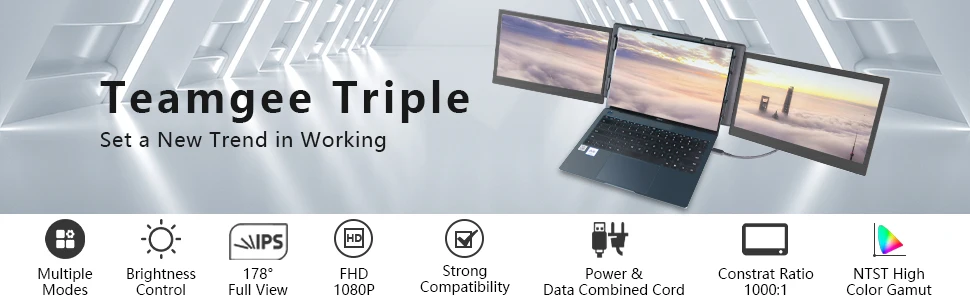
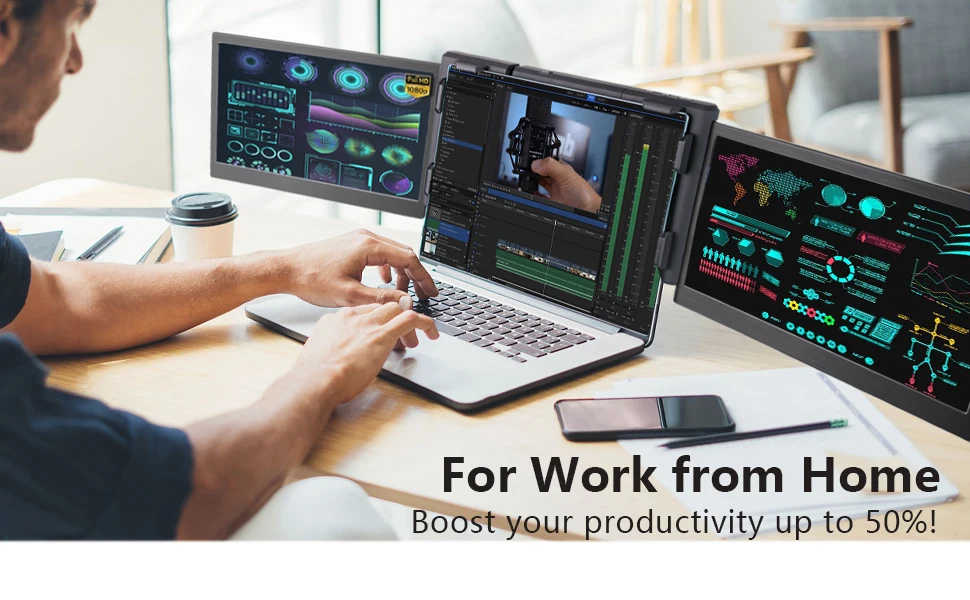
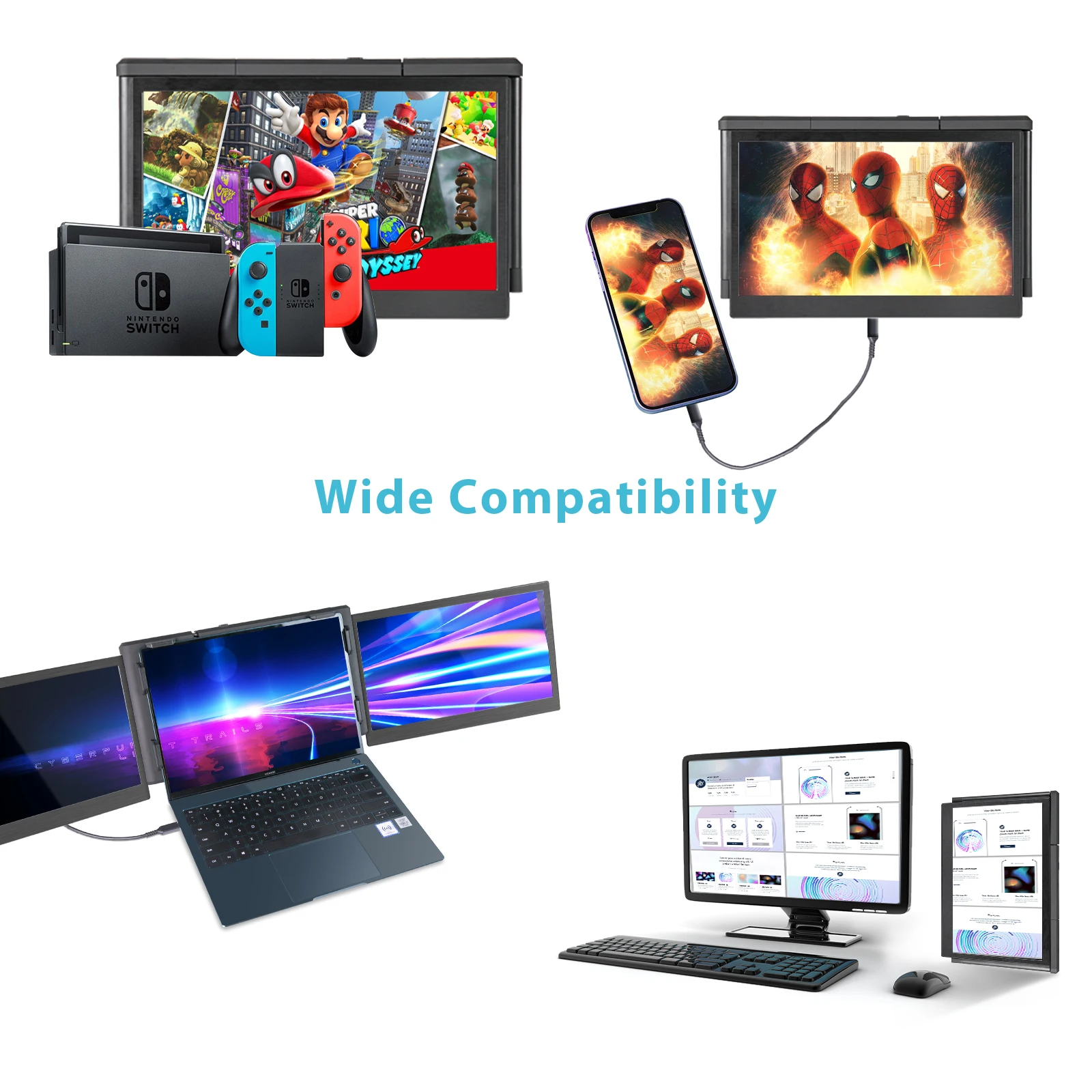
Widely Compatible
Portable Triple Monitor Laptop Compatible with Windows, Mac (Mac M1 Supported), Linux, Chrome, Android and Nintendo Switch, also suitable for Type-C phone as a phone extension.
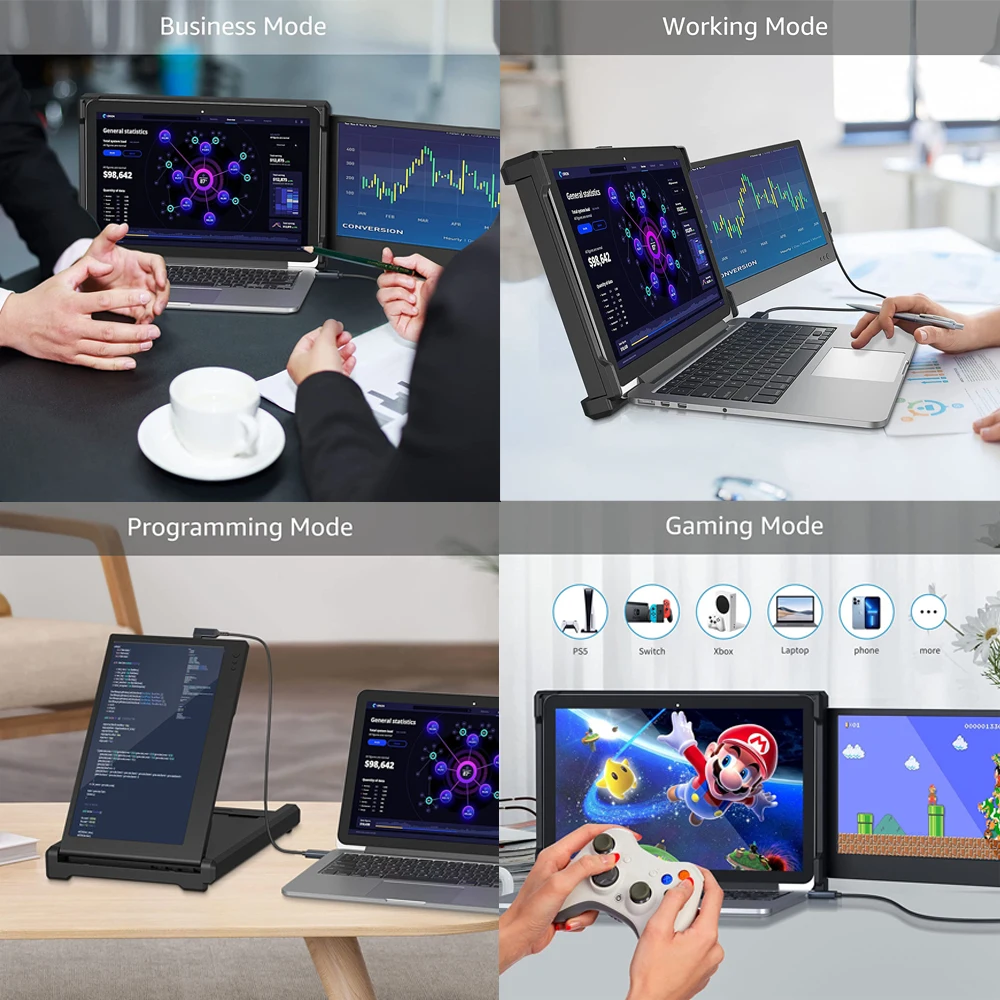
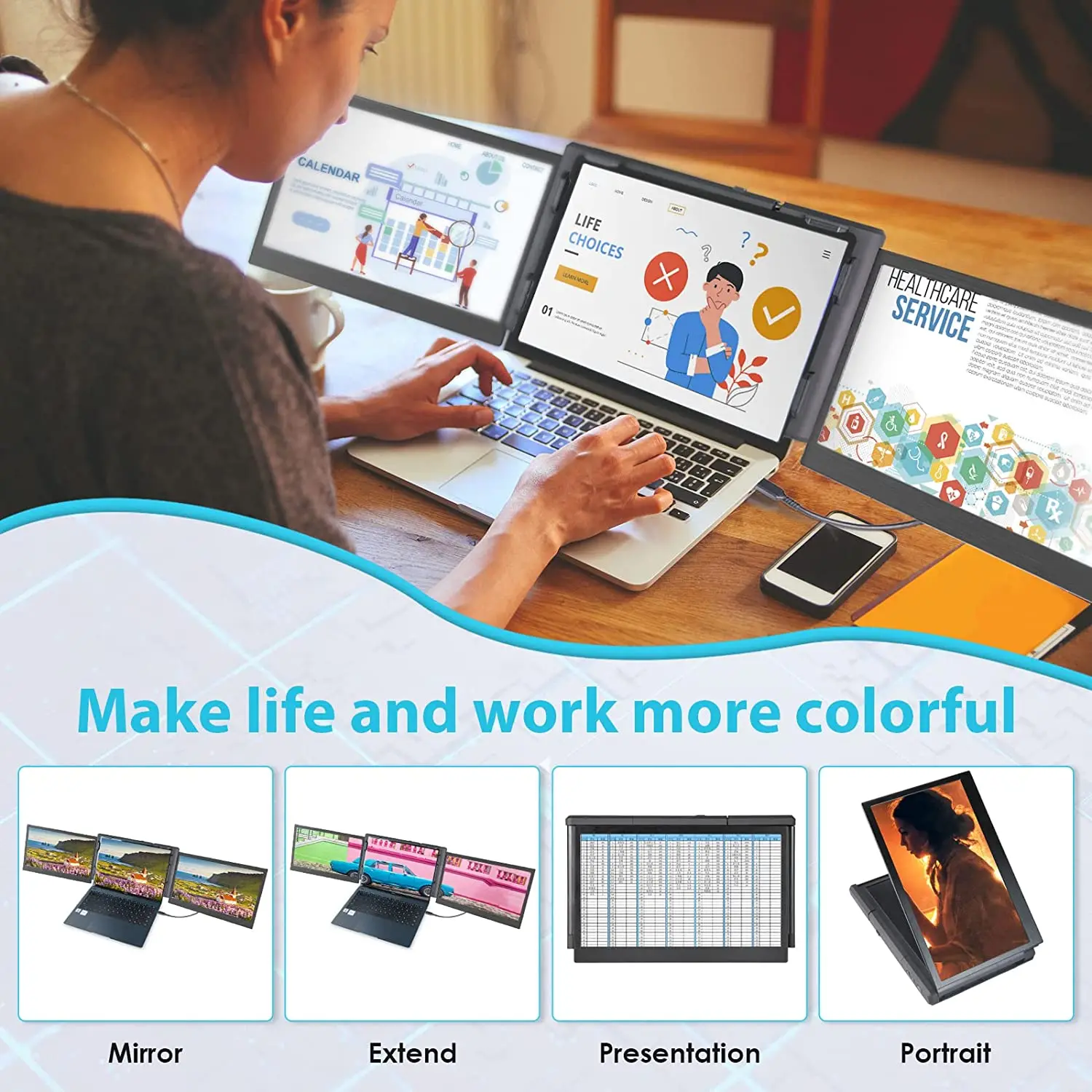
4 Display Modes
TeamGee is multi-mode. You can choose to display the same or different content on your three screens. Also, you can connect other external video input devices, which means TeamGee can handle multiple situations in your daily life.
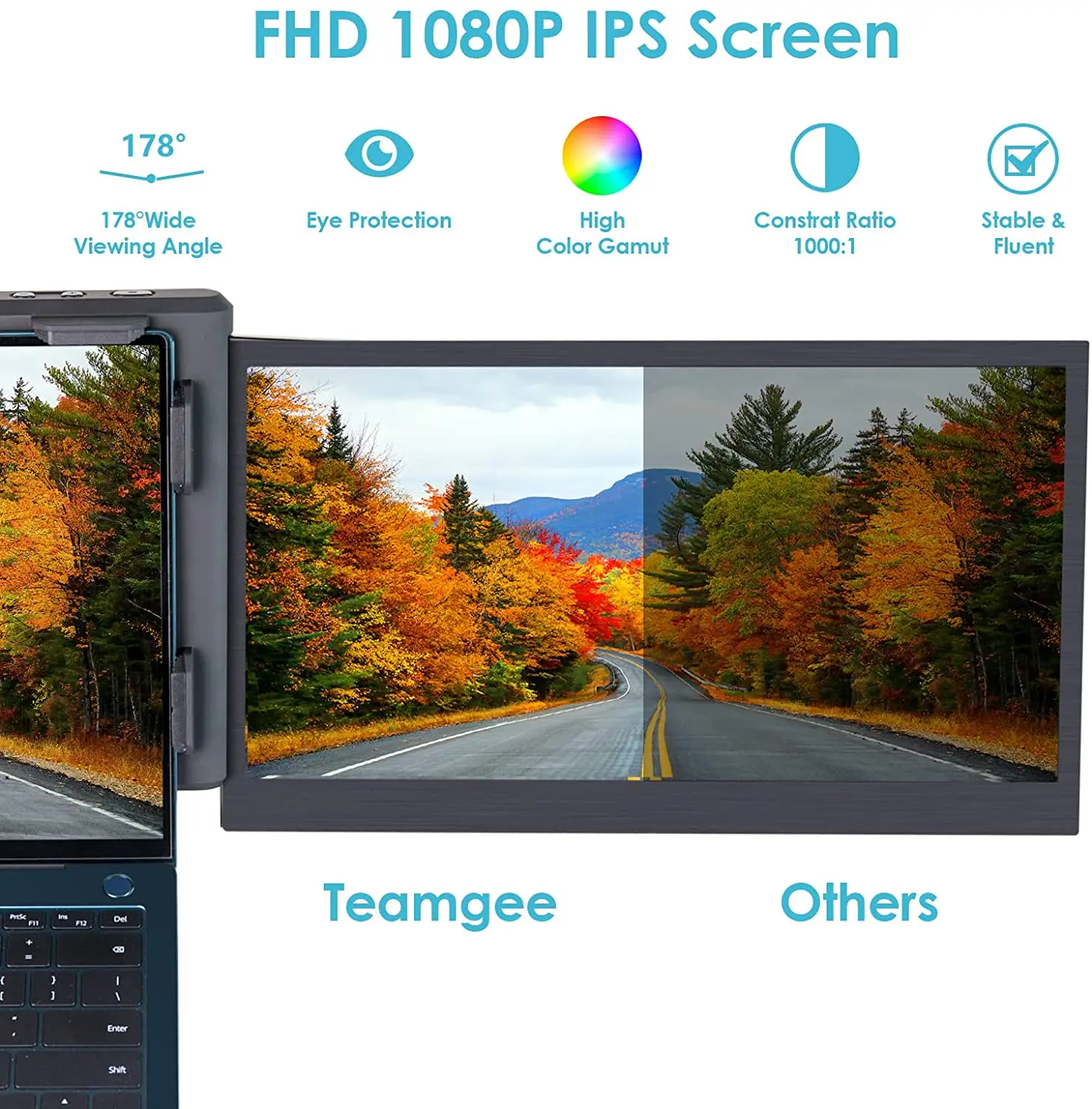
FHD 1080P IPS Screen
The 13.3in Full HD IPS portable monitor provides a bright, vivid, and immersive viewing experience.
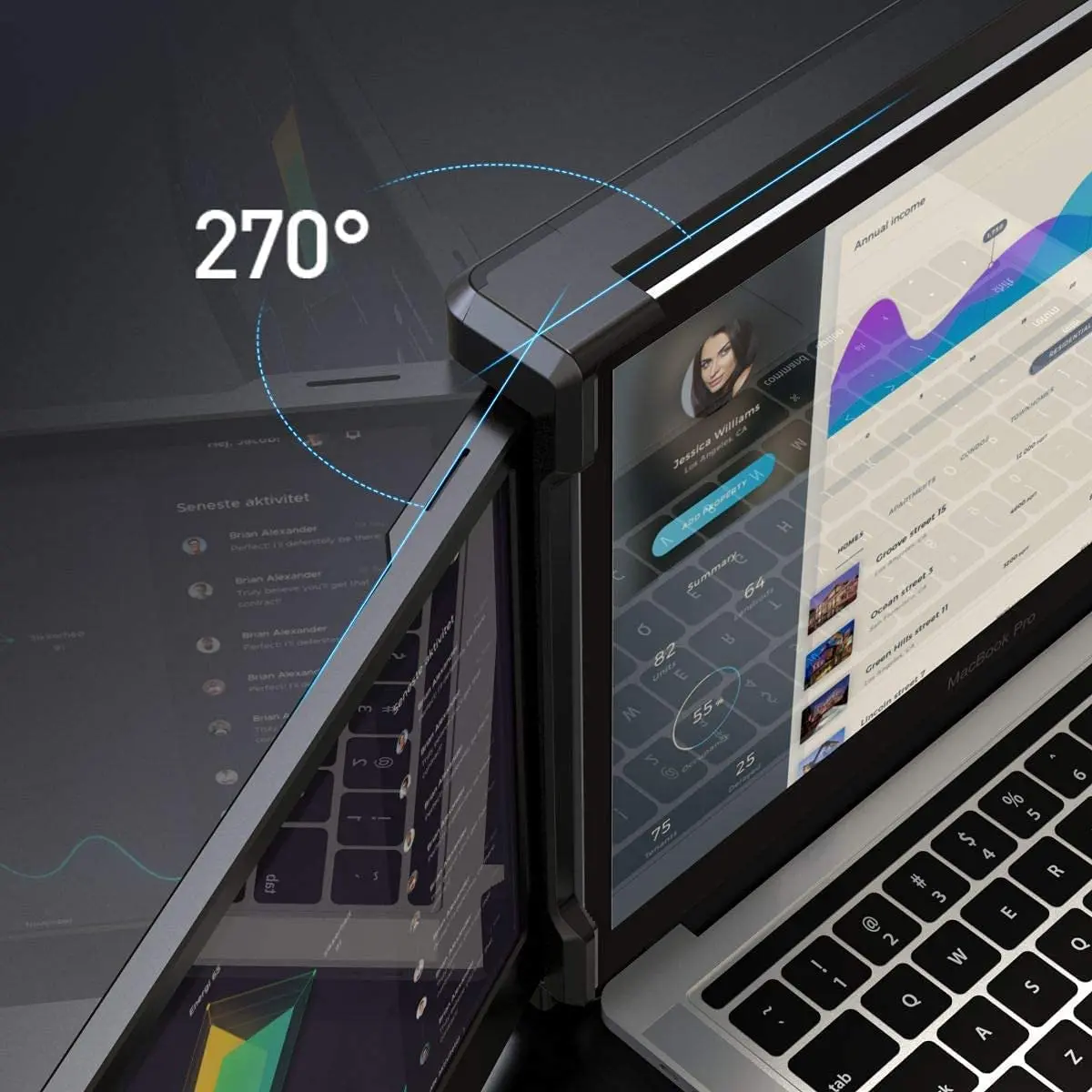
Foldable and Rotatable
Each screen can easily share your work through 207° rotation, 180° presentation mode and three screens in 45° inverted triangle mode to get a screen that suits your needs.
New Structure Design
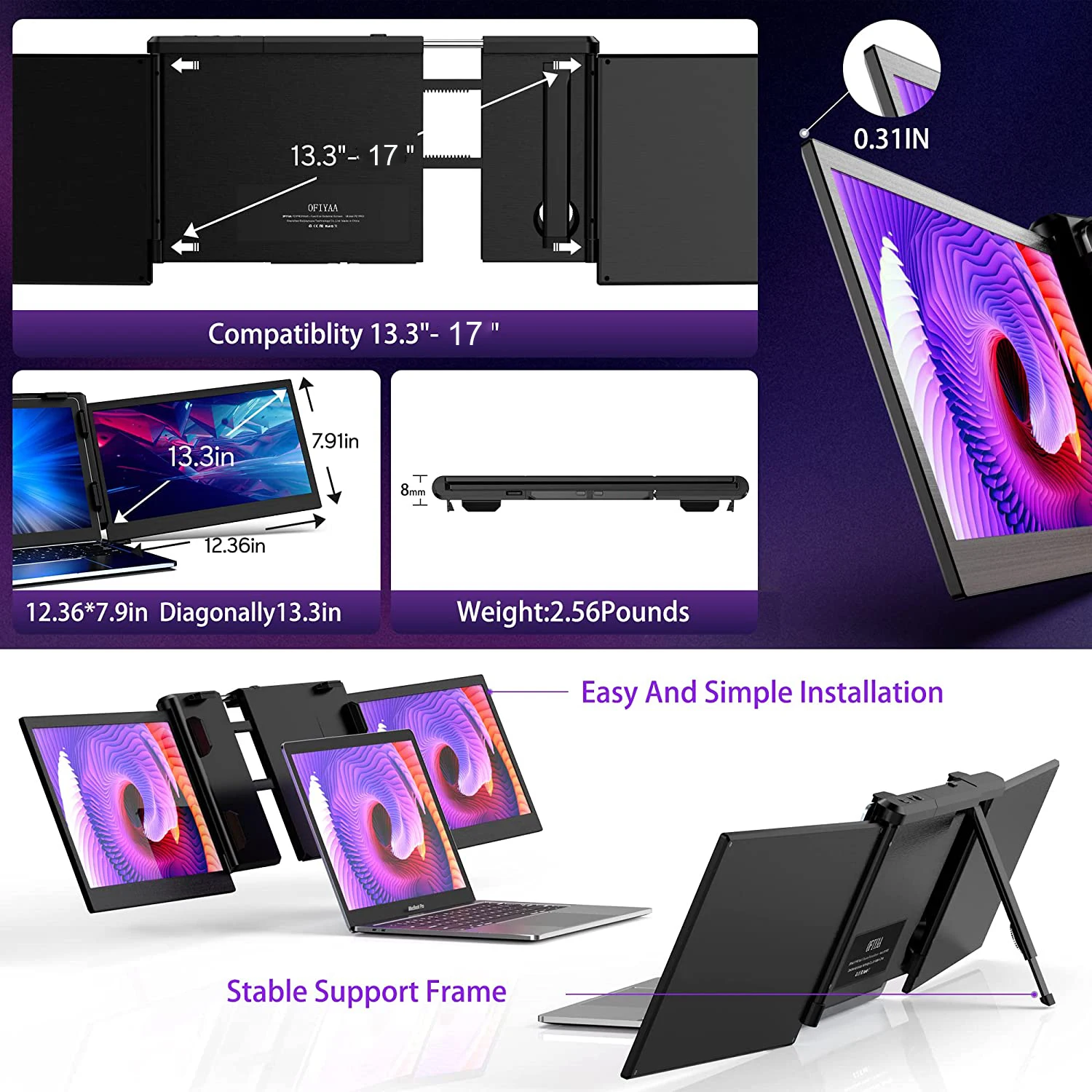
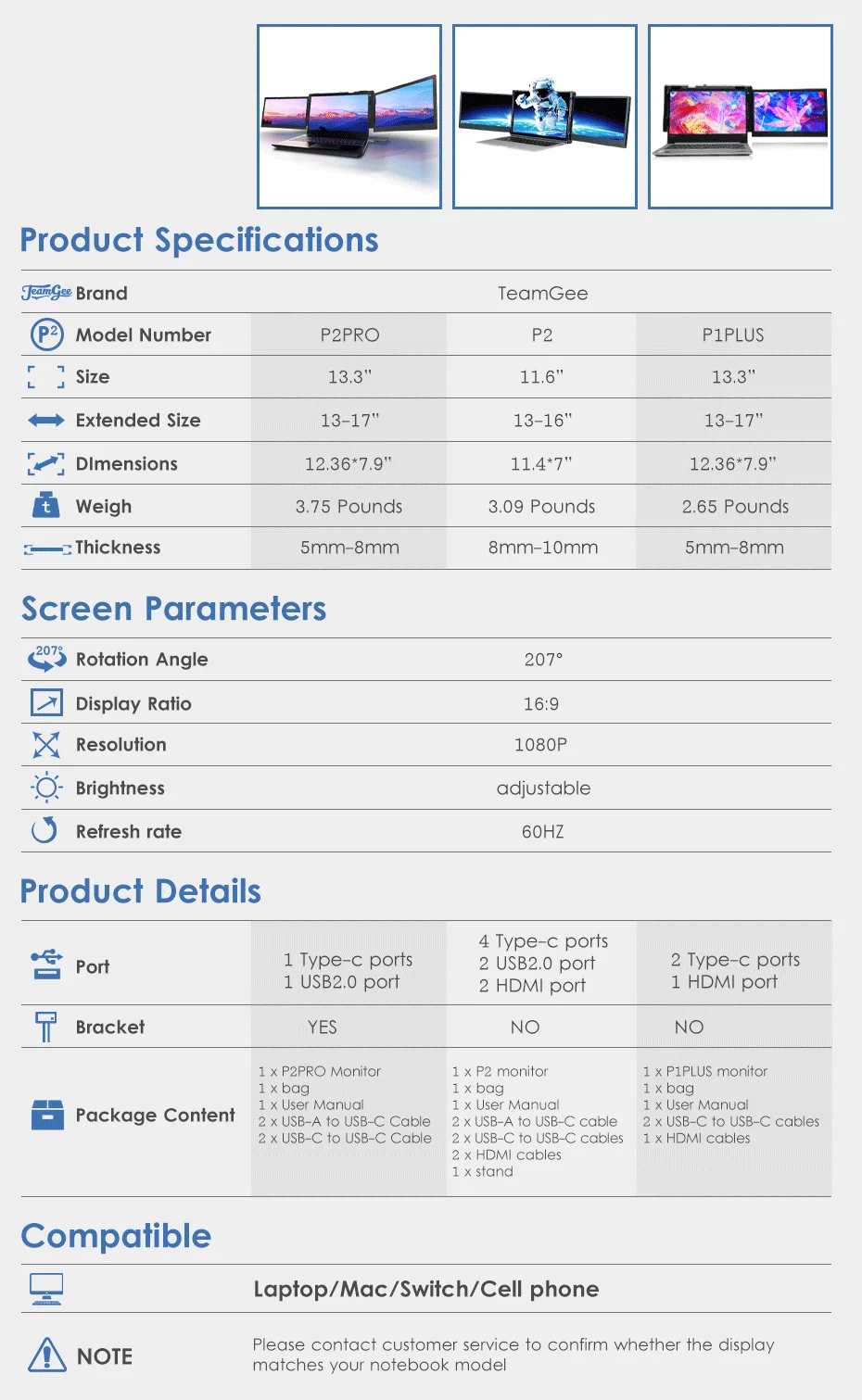
TeamGee P2PRO has a 13.3-inch display, which is larger and thinner, and the back can be extended to 17 inches, suitable for 13-17-inch laptops. The P2PRO has an upgraded stand and a unique design that provides full support for the screen and maintains stability.
Simple To Use
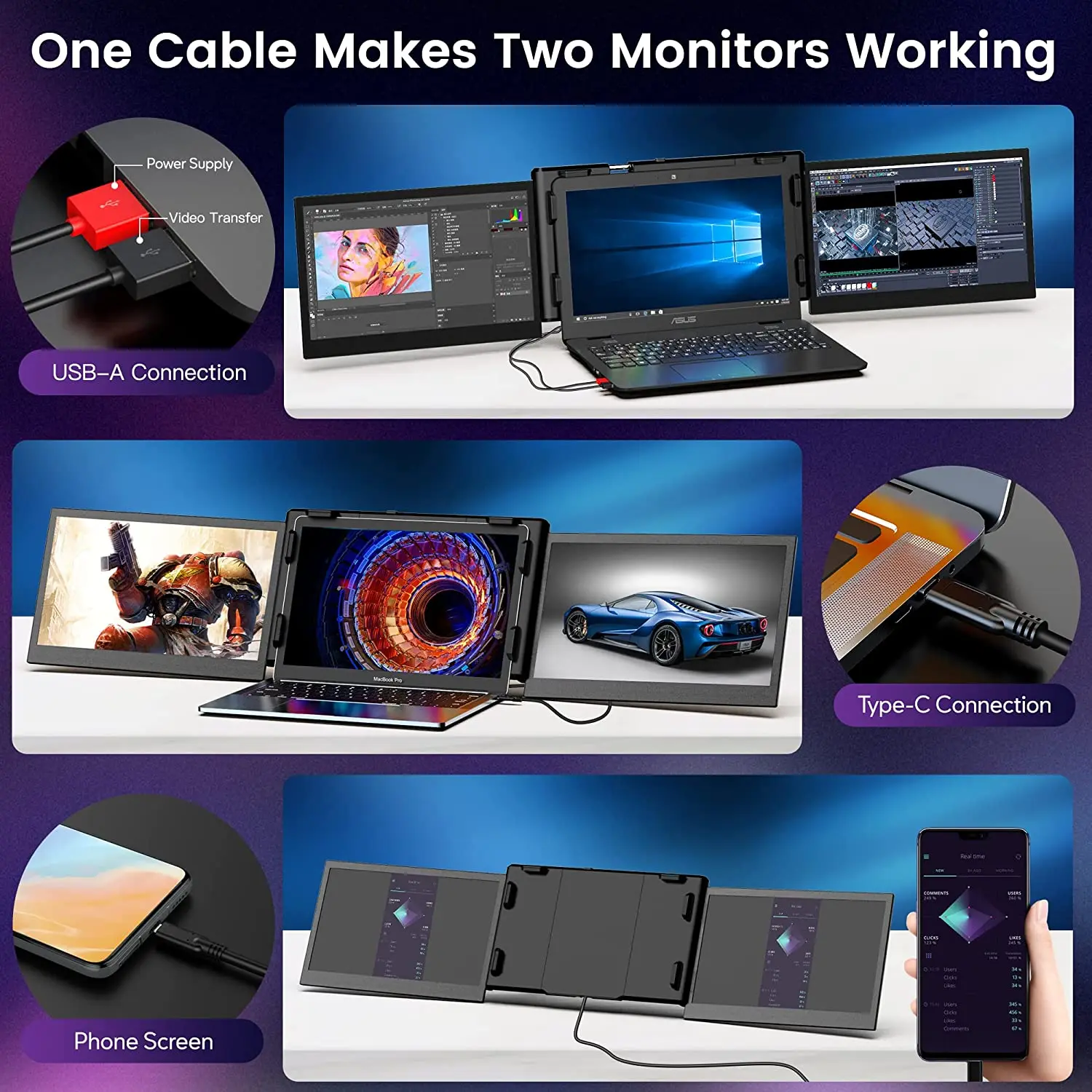
You can connect and install dedicated drivers with just one cable, turning a single-screen computer into a three-screen device.
Upgrade System Compatibility
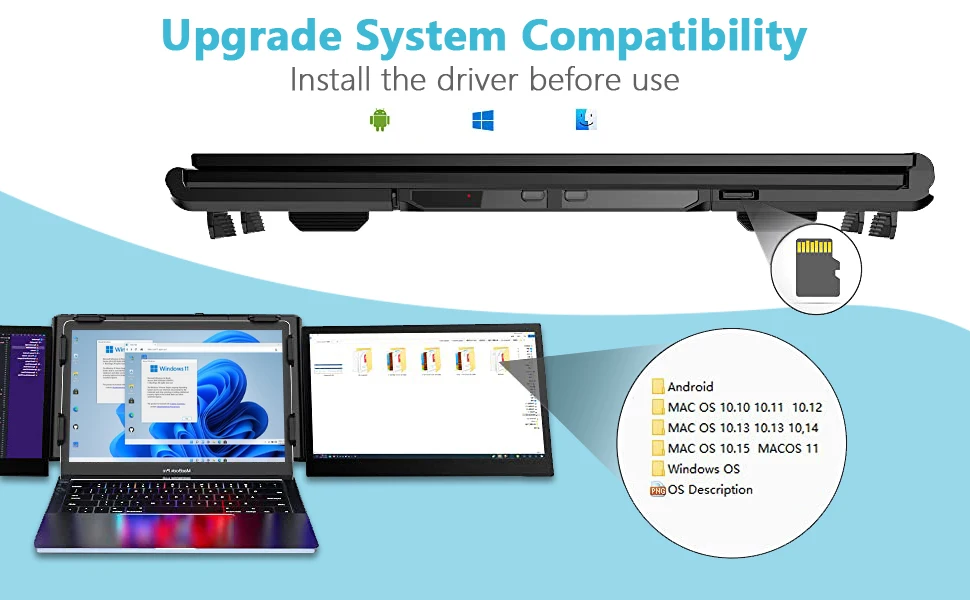
Please install the driver before use

Laptop monitor extender FAQ
Q1: The screen does not light up or Screens are intermittent, screen flickers, keeps restarting after connecting the expansion screen?
A1:Check if your laptop USB-C port supports display and power delivery 2 in 1, if the port does not support it,
please use the attached USB-C to USB-A cable to connect to the laptop.
The power of some models of laptops cannot reach the standard power of the screen expansion.
Please use the included USB-C cable to connect the Charging plug, and connect to the PD port of the product to power the screen.
Q2: If my laptop dont have type-c port, how can I connect it?
A2:If the laptop does not have a type-c port, please use the attached USB-C to 2 USB-A cable to connect to the laptop.
Q3: After connecting the product, the laptop does not display the driver, The driver is not responding?
A3:The product has a Type-c port and a PD charging port, Please confirm that the connection is a type-c port.
Some of laptops cannot reach the standard power of the screen expansion, external power supply is required.
Please use the attached USB-C to USB-A cable to connect to the laptop, and the red port of the cable to connect to an extra power adapter (≥ 5V 2A)
Q4: How to solve the screen display “No Signal” ?
A4:1. Please confirm that the TYPE-C port of the screen is connected to the computer
2. Some computers have insufficient power and cannot drive the product to work, so please use another line to charge the PD port and socket.
3. If the previous 2 points are confirmed to be correct, restart the computer.
*Please feel free to ask us any questions not mentioned*



Reviews
Clear filtersThere are no reviews yet.